

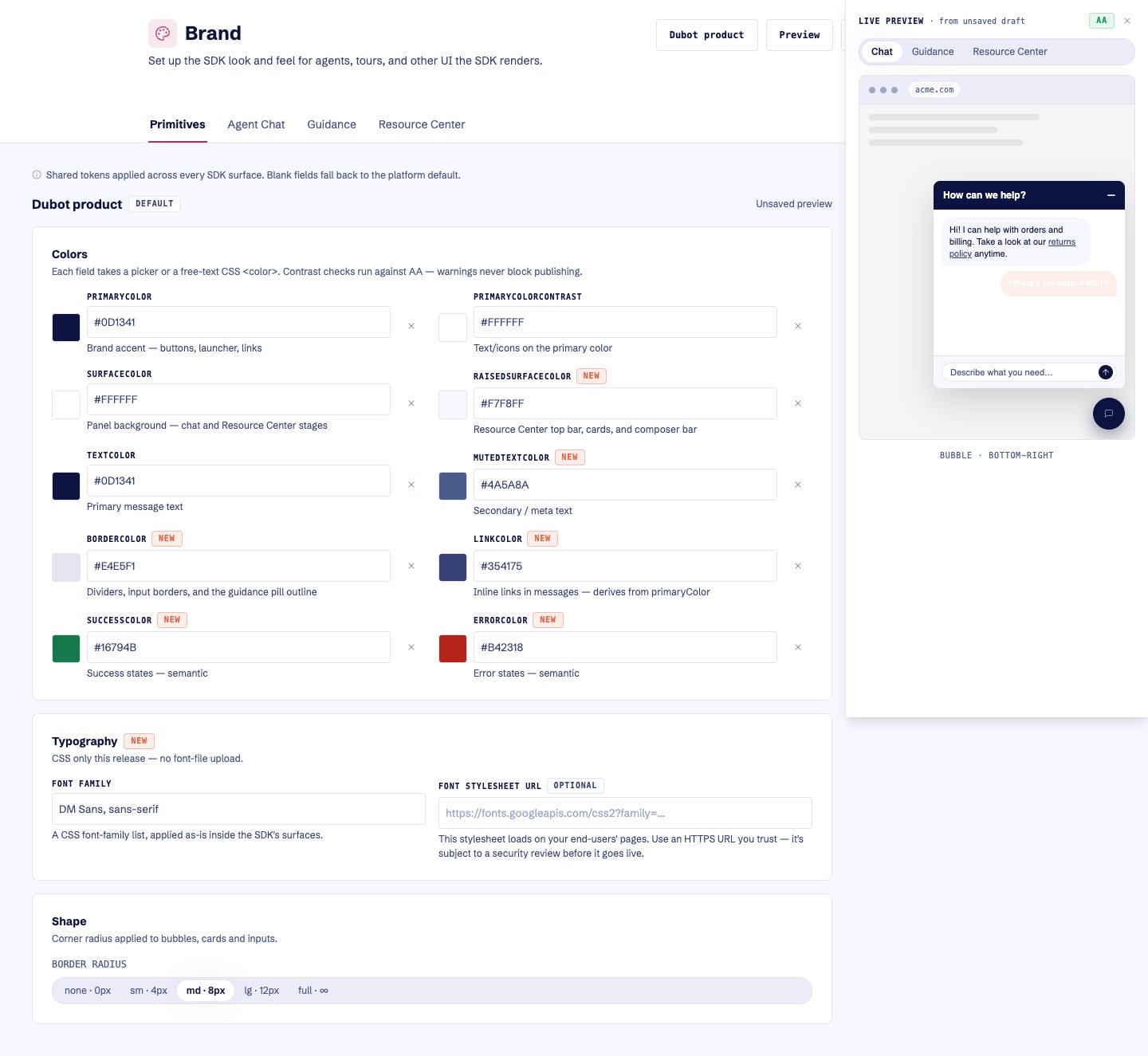
The editor previews draft visual changes across the selected SDK surface before publishing.
The live preview switches between chat, Guidance, and Resource Center scenes and reports the
current contrast status before publishing.
What you can configure
- shared foreground, background, border, accent, and status colors;
- assistant and customer message colors;
- composer and launcher colors;
- font family and an external font CSS URL;
- border-radius tier;
- default bubble position;
- Guidance pulse color and motion.
Resource Center-specific appearance comes from the shared primitives. Its title, placeholder,
content, and trigger belong to the Resource Center configuration, not the brand.